

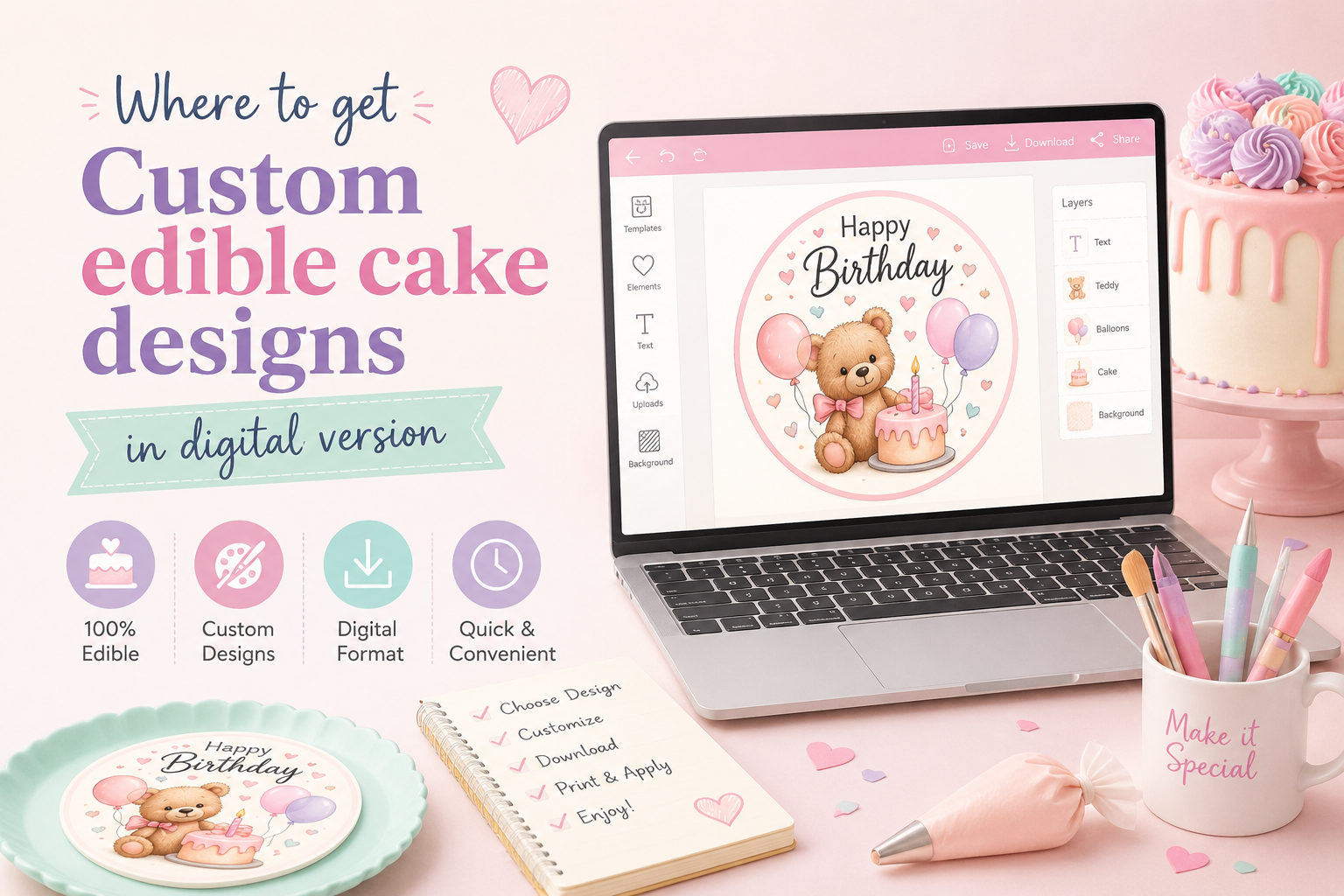
Where to Get Custom Edible Cake Designs in Digital Format
Where to Get a Digital Edible Cake Image — Print It Yourself or at a Bakery
Everything you need to know about sourcing, preparing, and printing a custom edible image for your next celebration cake.
You've decided you want a custom photo or design printed on an edible sheet for your cake — great choice. Now comes the question most people run into: where do you actually get that digital file, and what do you do with it once you have it?
Whether you want to print the sheet yourself at home, hand it off to a local bakery, or simply skip the printing altogether and have a finished edible topper shipped to your door, this guide walks you through every path — with honest pros, cons, and the tips you need to get a great result.
What Exactly Is a "Digital Edible Cake Image"?
A digital edible cake image is simply a print-ready image file — usually a high-resolution JPEG or PNG — that has been sized, color-corrected, and formatted for use with an edible ink printer. The file itself is not edible; it's the digital artwork you (or a printer) feed into an edible ink printer loaded with food-safe edible ink and edible frosting sheets or wafer paper.
The key difference from a regular photo file is preparation: a properly formatted edible image file is sized to exact print dimensions, set to CMYK color mode (how printers see color, not screens), and optimized so colors stay as vivid as possible on food-grade paper — which behaves differently from regular printing paper.
📁 What makes a good edible image file?
- Resolution: At least 200 DPI at final print size — 300 DPI is ideal. Low-resolution files produce blurry, pixelated prints.
- Color mode: CMYK (not RGB). Screens display RGB; edible printers use CMYK. The conversion matters for accurate color.
- Format: High-quality JPEG, PNG with a white background, or PDF are best. Avoid heavily compressed files or screenshots.
- Size: Matched to your exact topper dimensions — e.g., 8×10.5" for a quarter sheet cake, 8" circle for a round cake.
- Bleed & borders: A small bleed area (0.1–0.2") around the edge prevents white borders from showing on the finished topper.
Where to Get a Digital Edible Cake Image: All Your Options
There are several ways to source a digital edible image file. Here's an honest breakdown of each path — who it suits, what it costs in time and money, and what to watch out for.
Order a digital file online
Upload your photo to an edible printing specialist like Custom Edible Sheets. They prepare a print-ready file and email it to you within 1 business day. No design skills needed, no equipment, no guesswork.
Take a file to a local bakery
Many bakeries and cake decorating shops offer edible printing as a service. You bring (or email) them your file and they print it on their machine. Good for last-minute local needs.
Grocery store bakery departments
Walmart, Kroger, Publix, and Sam's Club bakeries can print edible images in-store — usually from a USB or email. Quality and service vary by location.
Print at home with an edible printer
If you already own or plan to buy an edible ink printer, you can print the file yourself at home. Requires equipment investment and some learning curve to get quality results.
Comparing Your Options: Side-by-Side
| Option | Cost | Speed | Quality Control | Ease |
|---|---|---|---|---|
| Digital file from CustomEdibleSheets.com | $11.99 | ✓ 1 business day | ✓ Professional prep | ✓ Very easy |
| Local specialty bakery printing | $15–$40+ | Same day – 2 days | Varies by shop | Requires trip |
| Grocery store (Walmart / Publix etc.) | $10–$20 | Same day (in-store) | ✗ Inconsistent | Moderate |
| DIY edible printer at home | $150–$400 setup | Immediate (once set up) | Depends on skill | ✗ Learning curve |
| Finished topper shipped to door | from $14.50 | 3–7 days (standard) | ✓ Fully printed | ✓ Easiest of all |
The Easiest Route: Order a Print-Ready Digital File Online
If you want a properly prepared digital edible image file without owning a printer or knowing anything about graphic design, the digital file download service at Custom Edible Sheets is the cleanest solution available.
Here's exactly what happens when you order:
Upload your photo, logo, or artwork
Any image works — a smartphone photo, a screenshot of a logo, a collage you made in Canva. Upload it directly on the product page.
Tell us your size and shape
Add a note in your cart with the desired dimensions and shape (round, rectangle, heart, cupcake circles, etc.) so the file is sized precisely for your cake.
Our design team prepares your file
A real person — not an automated script — reviews your image, adjusts resolution, converts colors to CMYK, adds bleeds, and formats the file for edible printing.
Your file lands in your inbox
Delivered within 1 business day (often much sooner). You receive a high-resolution file ready to send to any bakery, edible printer service, or your own edible ink printer.
Print it anywhere, anytime
Take the file to your local bakery, a grocery store bakery, or print it yourself. The file is yours to reuse for future celebrations.
This is especially useful if you already have a relationship with a local baker and just need the design file professionally prepared, or if you're ordering an edible print from a grocery store bakery that requires you to bring your own file.
→ Get your print-ready digital edible image file here
Already Ordered a Physical Topper? Upgrade to a Digital File Too
If you've previously ordered a physical custom edible cake topper from us and now want the digital version of that same design — for reprinting at a bakery, keeping on file for a recurring event, or printing multiple copies — the physical-to-digital conversion upgrade is exactly what you need.
Simply add the conversion listing to your cart, enter your original order's SKU in the notes, and we'll deliver the digital version of your existing design by email within 1 business day. No need to re-upload anything or re-explain your design — we work from your existing order.
How to Take a Digital File to a Local Bakery for Printing
Many local bakeries, cake decorating shops, and even some craft stores offer edible image printing as a walk-in or drop-off service. Here's how to make sure the experience goes smoothly:
📋 Before You Go — Checklist
- Call ahead to confirm the bakery offers edible printing and what file formats they accept (most want JPEG or PNG).
- Ask what size they can print — common limits are quarter sheet (8×10.5"), half sheet (11×16"), and rounds up to 10" or 11".
- Confirm whether they use frosting sheets (brighter, more opaque) or wafer paper (thinner, more translucent) — this affects how your design looks.
- Bring your file on a USB drive or be ready to email it — most bakeries won't accept files from social media or screenshots due to low quality.
- Ask about lead time: many require 24–48 hours notice even for in-store printing.
- Confirm the price per sheet and whether trimming or cutting to shape is included.
💡 File format tips for bakery printing
Most bakery edible printers run software that accepts JPEG and PNG. When your file is prepared by our team, it already meets these requirements. If you're preparing a file yourself, avoid PDFs unless the bakery explicitly requests them — some edible printing software can't open them correctly.
Always provide the file at the exact print dimensions — don't rely on the bakery to resize it correctly. A 300 DPI file sized to 8×10.5" will print sharper than a 72 DPI file that gets stretched to fit.
Printing at Grocery Store Bakeries: What to Expect
Walmart, Publix, Kroger, Sam's Club, and similar grocery chains often have in-store edible printing available at their bakery counters. This can be a convenient same-day option — but there are important things to know before you go.
🛒 Grocery Store Edible Printing — Reality Check
- Quality varies significantly by location. Some stores have newer, well-maintained machines; others produce faded or off-color results.
- Most stores only print to their own standard sizes (usually a quarter or half sheet rectangle) — specialty shapes like rounds or hearts may not be available.
- File requirements are often strict: many require you to use their in-store kiosk software or upload through a store app, limiting design flexibility.
- Some chains have content restrictions on characters and licensed images — even for personal, non-commercial use.
- Printing is usually inexpensive ($10–$20) but you have little control over color accuracy or sheet material used.
- Lead times vary — some stores print same day; others require 24–48 hours or more.
Grocery store printing works best for simple, low-stakes designs where speed and cost are the priority over precision. For milestone events — weddings, milestone birthdays, corporate parties — a professionally prepared file sent to a dedicated edible printing service will consistently produce better results.
Printing Edible Images at Home: What You Need
If you're a home baker who decorates cakes regularly, investing in an edible ink printer can make sense in the long run. Here's what the DIY route actually involves:
🖨️ Equipment you'll need
Home Edible Printing Setup
- Edible ink printer: A consumer inkjet printer (Canon or Epson are most popular) converted with edible ink cartridges. Dedicated edible printers like the Icinginks or Kopykake brands come pre-loaded. Budget: $150–$400+.
- Edible ink cartridges: Food-safe, FDA-approved ink sets specific to your printer model. Never mix edible and regular ink cartridges — a contaminated printer cannot be used for edible printing.
- Edible frosting sheets or wafer paper: The food-safe substrate you print onto. Frosting sheets produce brighter colors; wafer paper is thinner and crispier. Available in A4, letter, and half-sheet sizes.
- Edible printing software: Most printers use standard design software (like Canva, Photoshop, or the printer manufacturer's software) to size and format the image before printing.
⚠️ Common DIY mistakes to avoid
- Using a printer that previously had regular ink — cross-contamination makes edible prints unsafe to eat. Always use a dedicated edible-only printer.
- Printing at low resolution because the file "looked fine" on screen. Always check DPI at actual print size, not at 100% screen zoom.
- Not letting the printed sheet dry fully before handling — the ink needs a few minutes to set or it will smear.
- Storing unused sheets in the fridge — moisture degrades edible sheets fast. Keep them flat in a sealed bag at room temperature.
- Printing too far in advance — printed edible sheets fade over time. Print as close to your event date as possible, ideally no more than a few days ahead.
- Forgetting to trim the sheet before applying — uneven edges show on the finished cake. Use a clean, sharp craft knife or food-safe scissors.
Expert Tips for the Best-Looking Edible Image on Your Cake
Regardless of where you source or print your edible image, these tips make the difference between a result that looks good and one that looks professional:
🎂 Image Quality Tips
- Start with the best image you have. Edible printing can't rescue a blurry or dark photo — garbage in, garbage out. Take a new photo in good natural light if possible.
- Use PNG for logos and graphics with transparent backgrounds — it preserves clean edges. Use JPEG for photos.
- Avoid heavy filters — Instagram-style filters that crush shadows or blow out highlights look even more distorted on edible paper.
- Very dark backgrounds (deep black, navy, dark brown) print lighter on edible paper than on screen — this is normal for all edible printing, not a mistake. Stick to lighter, vivid palettes for the most accurate results.
- Add text at the design stage, not by asking the printer to add it freehand. This ensures consistent font, size, and placement.
🍰 Application Tips for a Flawless Finish
- Apply your edible topper to fresh, slightly tacky frosting — not a fully crusted buttercream surface. If the surface has dried out, brush it with a thin layer of simple syrup to restore tack.
- Work from the center outward to push out any air bubbles. Use clean, dry fingertips or the flat side of a fondant smoother.
- For fondant: lightly brush the surface with water, vodka, or piping gel to create the stickiness the sheet needs.
- Apply 1–12 hours before serving for the best appearance. Don't apply more than 24 hours in advance on a refrigerated cake.
- See our full application tips guide and step-by-step instructions for a deep dive.
Who Should Order a Digital File vs. a Finished Printed Topper?
You want the digital file
You own or have access to an edible printer · You're handing the file to a local bakery · You want to reprint the same design multiple times · You need the file for a last-minute same-day print · You're a professional baker building a design library.
You want it done for you
You don't own a printer · You want guaranteed professional print quality with no equipment or effort · You have 5+ days before your event · You want free shipping with a finished, ready-to-apply topper delivered to your door.
Not sure which to choose? If your event is more than a week away and you don't have access to a local edible printer, ordering a finished printed topper shipped to your door is the most reliable option. If your event is in the next 24–48 hours or you need to hand a file to a bakery today, the digital file download is your best move.
Frequently Asked Questions
Get Your Print-Ready Digital Edible Image File Today
Upload your photo — our team prepares the file and emails it to you within 1 business day, sized for any bakery or home printer. Only $11.99.
📥 Order Your Digital File Shop Printed Toppers Instead